uConsole
The ClockworkPi uConsole makes for a handy little Emacs machine. Large swaths of this site have been written on this machine; it is my main org-mode machine.
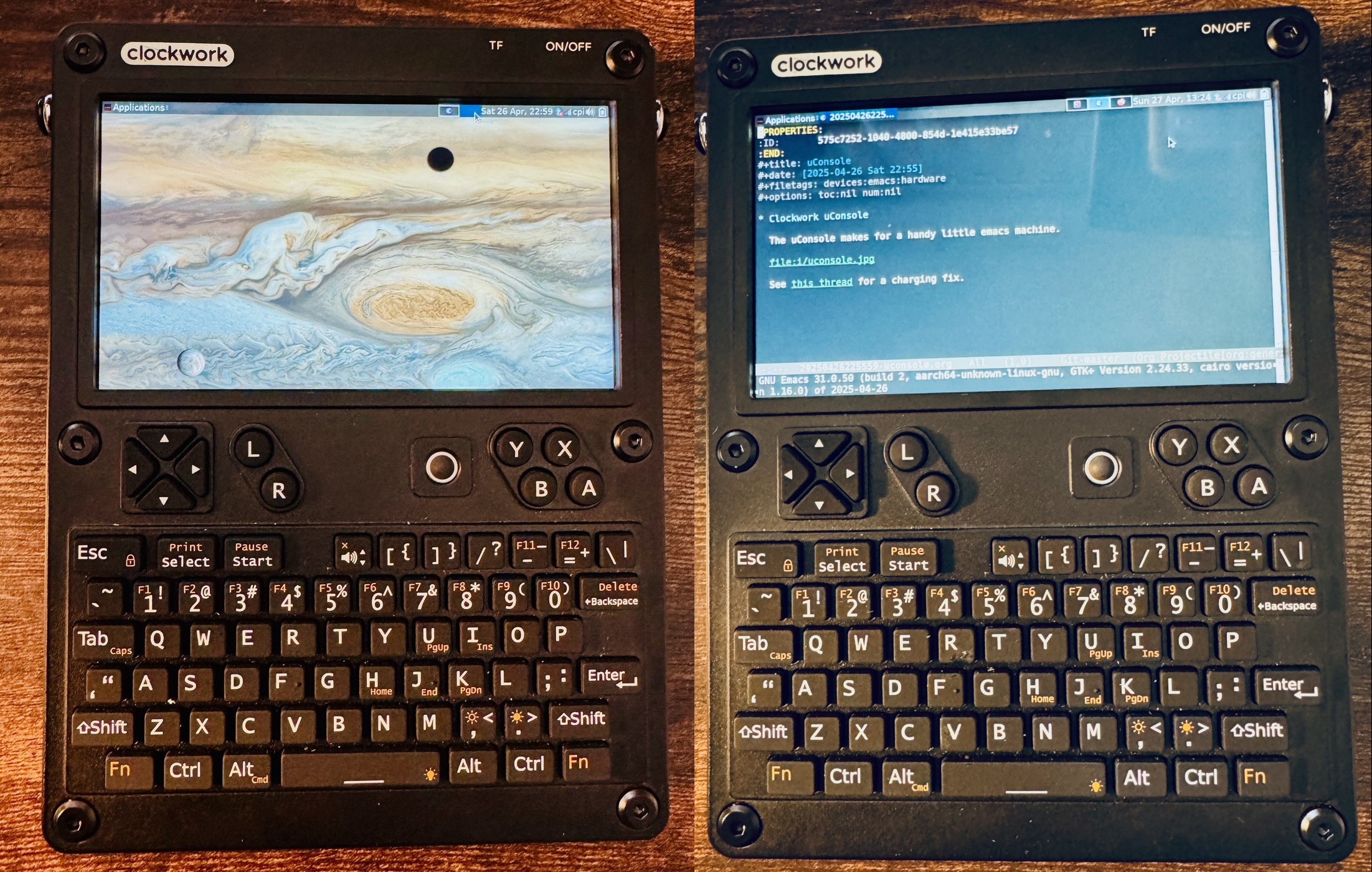
- hosaka used to have an A06 processor, but is now on a CM4 with Raspbian.
- See this thread for a charging fix. It's finicky about chargers; it doesn't seem to actually charge with anything above 65W. It also needs a realistic minimum of a 5W 2.5A charger. I've measured it at about 5.24V and 12.45W, so roughly 2.3A.
- There's a litany of packages to install, but I had no real issues getting emacs 31 installed, and it's what I use now. It also has StumpWM running on it. I had to log out to switch the WM; I tried i3, but without a dedicated Super key, it's just not as useful.
- I've limited the CPU speed to 800 MHz to prioritize battery life; it's been fast enough for the things I want to do. Battery life under normal usage is about 6-8 hours.
- The aarch64 / arm64 build of Obsidian appears to run on the A06.
- With the CM4, I had to get a TP-Link N105 (2.4GHz only) wireless card to get wifi working. The internal wifi works, but it only uses the onboard antenna, which happens to be encased within the uConsole.
Issues
- Occasionally, the WLAN will crash: it'll appear to be connected,
but it won't pass traffic. The uConsole uses the
brcmfmackernel module. The following script can be used to reset the WLAN:
#!/usr/bin/env bash

KMOD_WLAN="brcmfmac"

sudo rmmod "${KMOD_WLAN}" && sudo modprobe "${KMOD_WLAN}"
- After a while the screen will go to sleep, and it won't respond after. The device will need to be hard restarted. You can put it in presentation mode but that will keep the screen on the whole time.
Links
- Clockwork Pi page
- Github repo
- RTL-SDR Extension Board with USB HUB and RTC
- uConsole Field Ops shell: currently printing and testing this. I like the sunshield face.
- uConsole-sleep service
- some madman got nixos working
- How uConsole A06 OS image made